HackAthlone
brand kit
The official HackAthlone and NASA Space Apps Athlone logos, and how to use them.
Which logo to use
HackAthlone
The event logo. Pick the version made for the background.
On white or light blue
Full colour: blue rocket, red flame
On Electric Blue
Reversed: red rocket, neon flame
On black
Reversed, the same file as on blue
HA icon
Profile pictures, app icons and other small square spaces
NASA Space Apps Athlone
The official Space Apps logo for our local event. Keep its colours and fonts as they are.
Long
Website headers and footers, slides, posters and sponsor strips

Long, white text
On black or Electric Blue
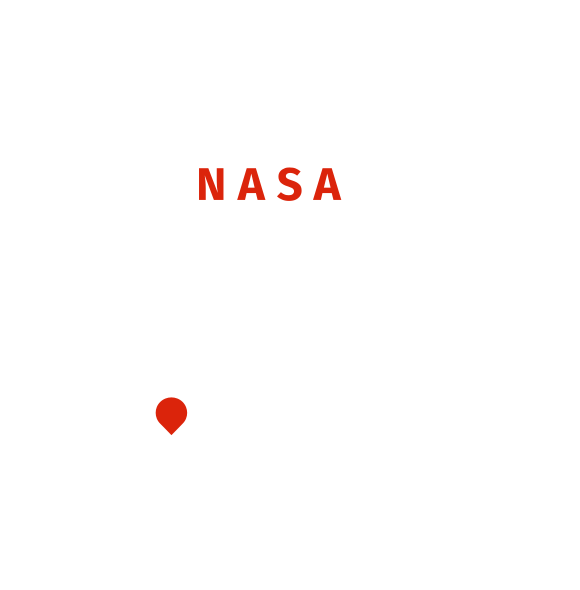
Rounded
Social avatars, stickers and badges
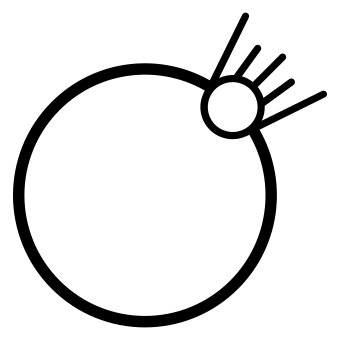
Icon
Tiny square spaces only, next to text that names Space Apps
How to use the logo
Clear space
Leave empty space on every side, at least the height of the ATHLONE lettering.
- 96 px
Minimum size
96 px wide on screen and 25 mm in print. Below that, use the HA icon.
Backgrounds
Full colour on white and light blue. Reversed on Electric Blue and black.

Photos
Add an Electric Blue or black overlay of at least 60% before placing the logo.
How not to use the logo
Don’t stretch or squash it
Don’t rotate or tilt it
Don’t recolour it
Don’t add shadows, glows or effects
Don’t place it on orange, red or mid tones
Don’t use the full-colour logo on blue
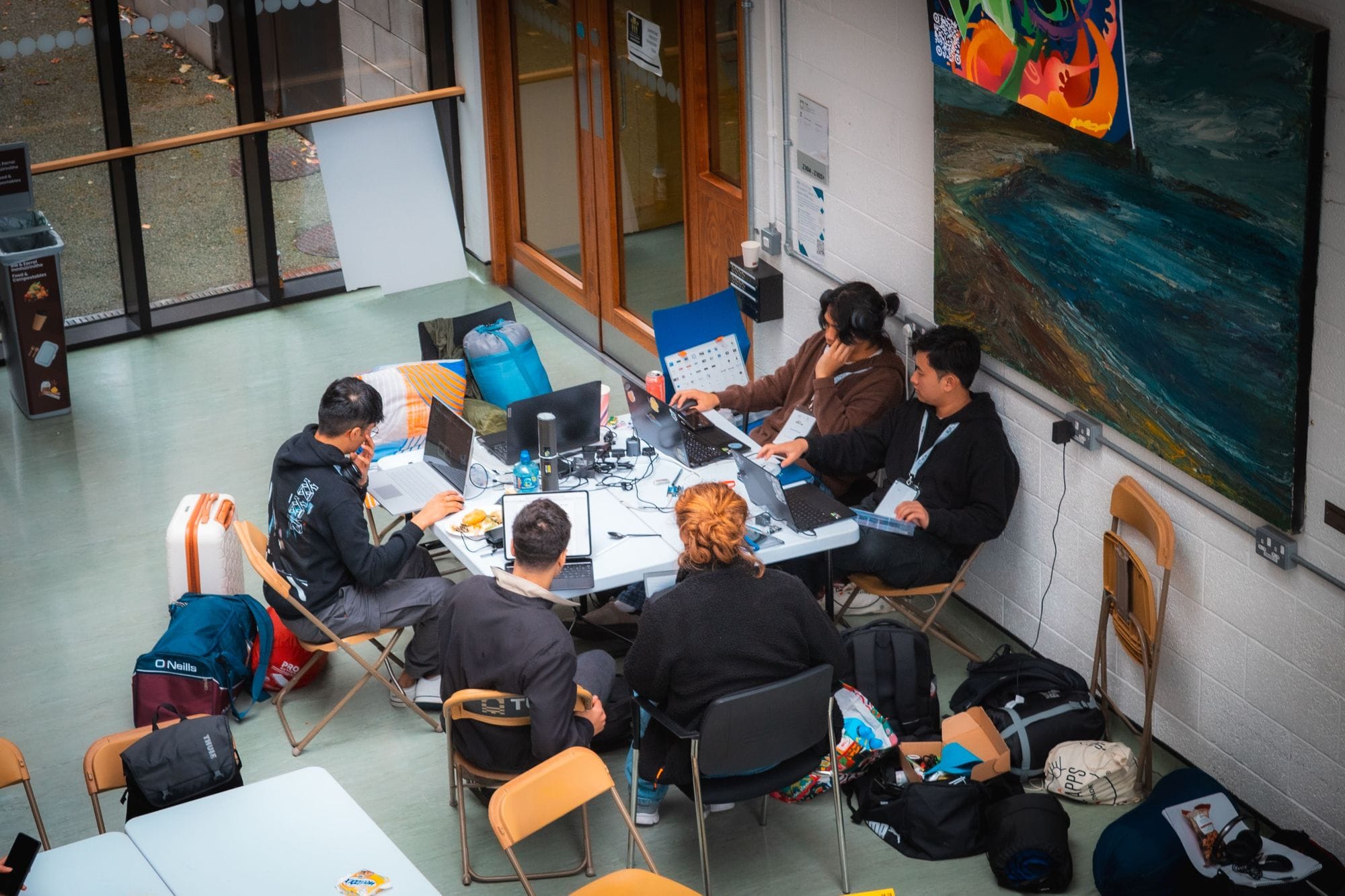
Don’t place it on busy photos
Don’t crop it or remove parts
With NASA Space Apps
Do: HackAthlone comes first, then a thin divider, then NASA Space Apps Athlone at the same height as the HackAthlone logo.
Do: In text, write HackAthlone as one word with a capital H and A: a local event of the NASA Space Apps Challenge.
Don’t: Don’t use the NASA “meatball” insignia, or merge the Space Apps logo with ours.
Questions about the brand? Email spaceappsathlone@gmail.com.